Sources in Knock
Learn how to connect external services to Knock using incoming webhooks and CDP or reverse ETL integrations.
Sources connect external services to Knock so that events from those services can drive actions such as triggering workflows, identifying users, and managing objects and tenants. Knock supports three categories of source integrations: incoming webhooks for receiving events from services like Stripe, Clerk, or your own applications; CDP integrations for sending track and identify events from platforms like Segment and RudderStack; and reverse ETL integrations for syncing warehouse data from platforms like Hightouch and Census.
Available sources
#Need us to support another platform? Let us know.
Configuring sources
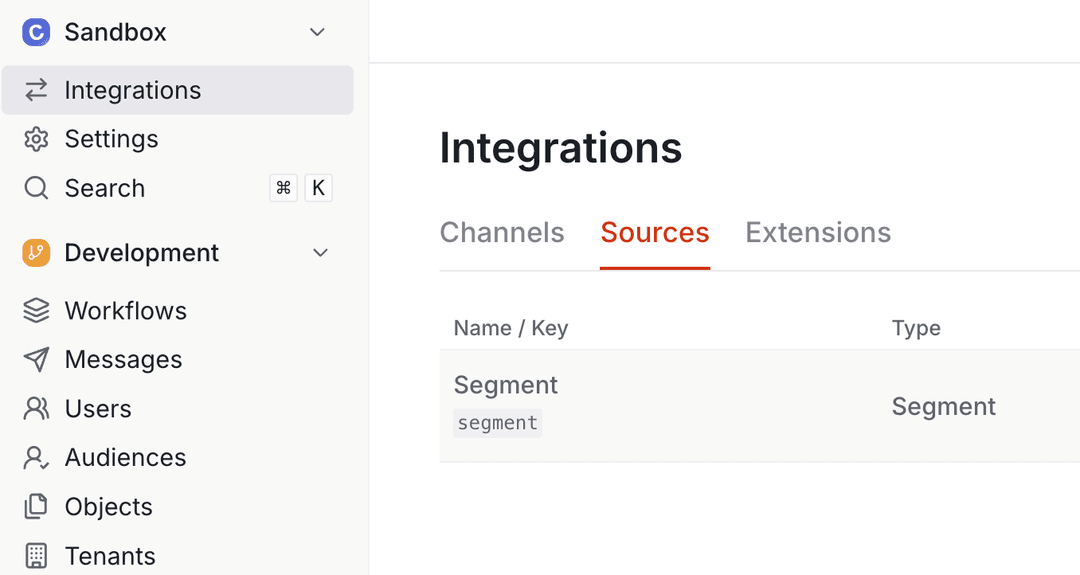
#You can configure sources from the Integrations > Sources page in your account settings. Initial creation of a source is managed at the account level of your Knock account, though you configure specific events and their actions within your Knock environments.
Per-environment source configuration
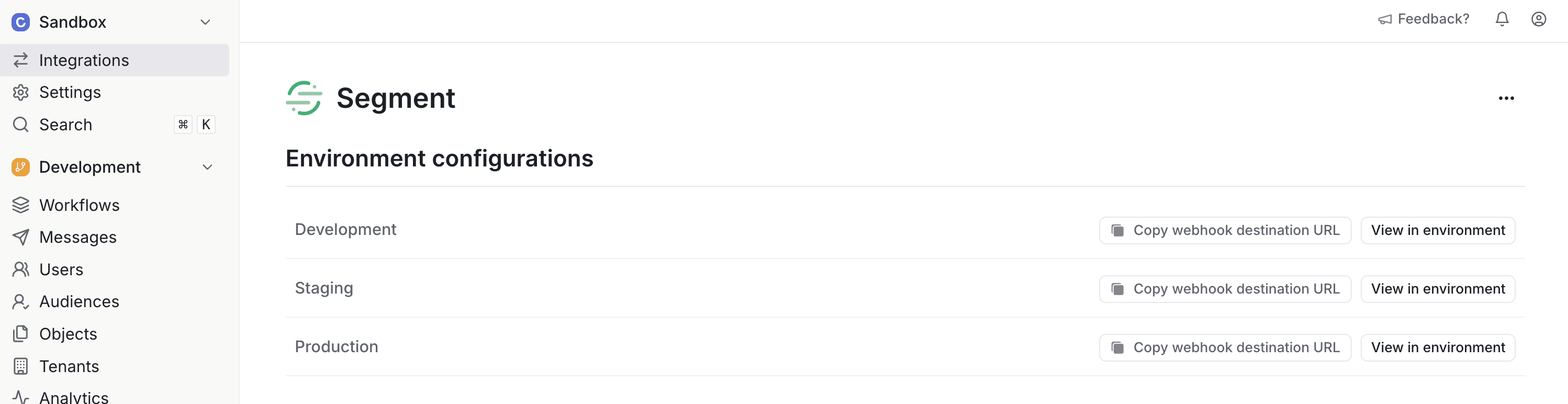
#Each source has a unique configuration for every Knock environment in your account. This makes it possible to connect your development source environment to your Knock development environment. If you click on a source, you will see each environment configuration for that source.
Triggering actions from source events
#When a source event is received, you can configure Knock to execute any of the following actions:
Event-to-action mapping
#After events start flowing into Knock you can configure mappings that tell Knock which action to run and how to populate its parameters. Mappings use dot-notation paths to extract values from the incoming payload and map them to the fields required by each action.
For example, given a payload like:
You could map data.object.customer to the recipients field when triggering a workflow.
For full details on configuring custom event types and field mappings, see the custom source page.
Debugging source events
#In some cases, you may need to debug source event connections to ensure your integration is sending the correct payloads to Knock.
Event logs
#Event logs show the contents of each event sent into Knock.
Action logs
#Action logs describe what (if any) action Knock took after receiving an event. Action logs are a helpful starting point when troubleshooting workflows or auditing actions Knock has taken for any given event.
Source event idempotency
#By default, Knock processes every valid event received from your source. You can enable idempotency checks to deduplicate events that have already been received and processed. This is useful if you know your source may send duplicate events.
Idempotency configuration varies by source type. For pre-built webhook integrations, Knock auto-configures the idempotency key. For CDP sources and custom webhooks, you may need to enable idempotency and verify the key field. See your individual source page for setup details.
Key validation
#Your idempotency keys must be valid strings no more than 255 characters in length. If an invalid key is found, Knock still ingests your source event but will not attempt to execute your event idempotently. In addition, Knock drops the invalid idempotency key and you will not see it appear in your event logs.
How Knock handles idempotent events
#When Knock executes a source event with an idempotency key, it first checks whether a preceding execution should be replayed. Knock finds a preceding execution if it is recorded within the idempotency window with the same:
- Idempotency key value
- Event type
- Integration source configuration
- Knock environment in your account
If no preceding execution is found, Knock executes your event normally and records that execution for future replay by the same idempotency key. However, if Knock fails to execute your source event, it will not record the execution. Knock only records successful event executions for idempotent replay.
If Knock replays an event via an idempotency check, you will still see an event log for that execution. However, the log will not have any actions associated and Knock will label it as idempotent.